


Pics Added
A cool silhouette in Singapore of (I think) a Muslim building.
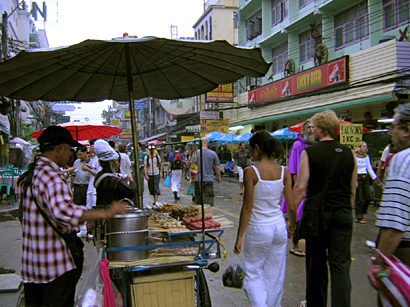
A foodstand in Thailand on Khoa San Road.
Another picture of a foodstand.
The surf competition in Newcastle, Oz.
Colored Sands on Fraser Island.
A sort-of-blurry shot of a guy bungeeing off the skytower in Auckland.
How I avoided the sun in Manly Beach, Australia: SPF Fleece
Tags: PHOTOS ONLY
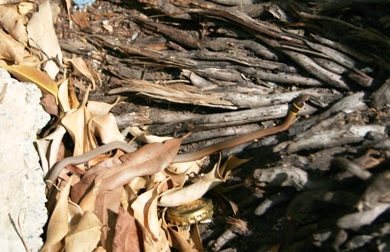 A tiny snake in Airlie Beach.
 Kelly
Kelly
Grrreat! /me likes pics!
Hey Kelly, perhaps this little tip can be of help for your image popups:
http://www.etek.chalmers.se/~e7callel/Popup_for_Kelly
I made a popup script recently (to help somebody who asked for such a script at a forum), and I thought it might be something for you too. I believe there are a few advantages to using this code instead of the way you are coding now, for example:
I think the popup window will appear faster with this code.
You don’t have to make separate pages for the images – just call the script with the name of the image, its width, and its height.
The script will open the popup in the right size, and if the image is larger than the available screen size, you will automatically be given a scrollbar.
If you look at the URL above, you’ll see right away how to use the code (the script is put somewhere on the page, for example in the header, and then you call the popup script like I did on the example page. easy-peasy! :-))
All right – you guys have a great day now! Take care!
One more thing: in case you decide to use that popup script the next time you add new pictures, don’t forget to add the script to the header of the main page too
http://blogs.bootsnall.com/kelly/index.shtml
(so the popups work both on the separate article pages AND on the main page with all the latest entries)